







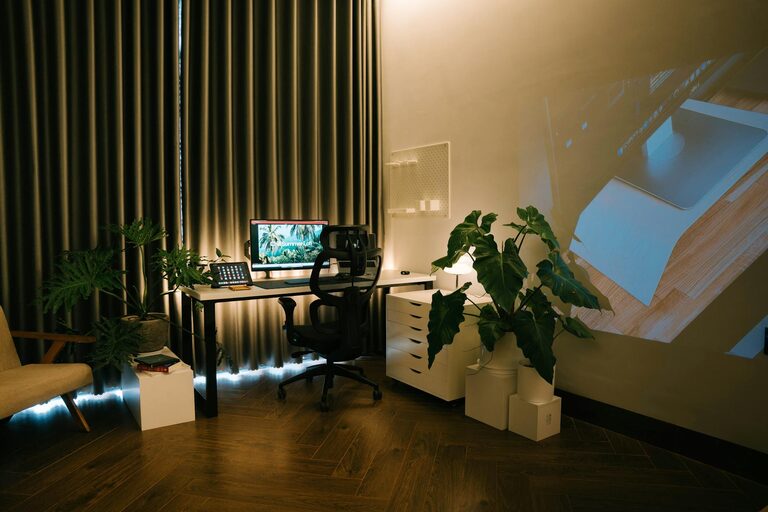
Creating a home office that is both comfortable and productive is essential for anyone working remotely or running a business from home. A well-designed workspace supports focus, reduces stress, and improves overall work satisfaction. Whether you have a dedicated room or a small corner, these tips will help you set up an effective home office.
Choose the Right Location
Start by selecting a quiet, well-lit location with minimal distractions. Ideally, choose a space away from noisy areas such as the kitchen or living room. If you don’t have a separate room, a corner of a spare room or a section near a window can work well.
Consider Natural Light
Natural light is a major mood and energy booster. Place your desk close to a window if possible, but avoid glare on your computer screen. Use adjustable blinds or curtains to control brightness throughout the day.
Invest in Ergonomic Furniture
Comfort is key to staying productive for long periods. Invest in a good-quality office chair that supports your posture with adjustable height, lumbar support, and comfortable cushioning. Pair it with a sturdy desk at the right height to prevent strain.
Additional Furniture Tips
– Use a footrest if your feet don’t touch the ground comfortably.
– Consider an adjustable sit-stand desk to vary your working position.
– Keep frequently used items within easy reach to reduce unnecessary movement.
Organise Your Workspace Effectively
A clutter-free desk reduces distractions and helps you stay focused. Use organisers, shelves, and drawers to keep paperwork and office supplies tidy.
Tips for Organisation
– Label storage boxes and files for quick access.
– Use cable organisers to keep wires neat and avoid tangles.
– Keep a pinboard or whiteboard nearby for notes and reminders.
Optimise Lighting and Colour
Good lighting is crucial to reduce eye strain and maintain alertness. In addition to natural light, choose a desk lamp with adjustable brightness and colour temperature.
Colour Choices
Soothing colours like blues, greens, and neutrals create a calm environment, while brighter colours like yellow can stimulate creativity. Use colours that suit your work style and preferences.
Minimise Noise and Distractions
Noise can break concentration, so consider ways to reduce it. Use noise-cancelling headphones, add soft furnishings like rugs and curtains to absorb sound, or play gentle background music to mask distracting noises.
Set Boundaries
If you share your home with others, communicate your working hours clearly. Use signs or signals to indicate when you’re busy and shouldn’t be disturbed.
Ensure Good Air Quality and Temperature
A fresh and comfortable atmosphere helps maintain focus and energy. Open windows regularly to air out the room or use an air purifier. Adjust the room temperature to a comfortable level; neither too hot nor too cold.
Personalise Your Space
Adding personal touches can make your office feel inviting and motivating. Display photos, plants, or artwork that inspire you, but avoid cluttering your desk.
Benefits of Plants
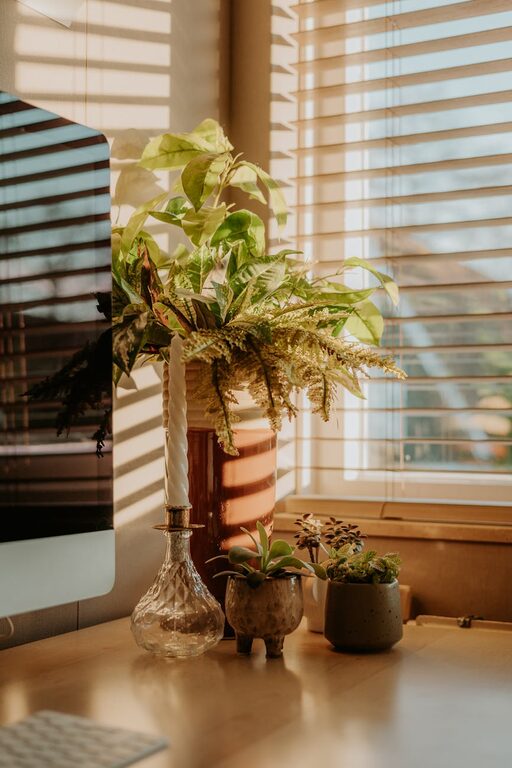
Indoor plants improve air quality and add a touch of nature, which can reduce stress and increase productivity.
Use Technology Wisely
Equip your home office with reliable technology, including a fast internet connection and updated computer equipment. Organise digital files and use productivity software to streamline tasks.
Backup and Security
Regularly back up important documents and use security measures such as passwords and antivirus software to protect your work.
Take Regular Breaks and Move Around
Your home office setup is important, but so is your routine. Make a habit of taking short breaks to rest your eyes, stretch, and move. This helps prevent fatigue and boosts long-term productivity.
—
By following these tips, you can create a home office space that supports comfort and productivity, helping you enjoy your workday and perform at your best. Remember that your workspace should evolve with your needs, so feel free to adjust and improve it over time.