







Creating a home office that is both relaxing and productive can greatly improve your work-from-home experience. Whether you are new to remote work or have been at it for a while, having a dedicated space that nurtures focus and comfort is essential. In this post, you will find tips and ideas for designing a home office that supports your productivity and wellbeing.
Why a Good Home Office Matters
Working from home offers flexibility, but it can also bring distractions and stress if your space isn’t set up properly. A well-designed office helps you separate work from leisure, concentrate better, and reduce feelings of fatigue or burnout. The good news is, even small changes can make a big difference.
Choosing the Right Location
Find a Quiet Spot
Pick a room or corner where you can work without frequent interruptions. If complete silence isn’t possible, consider noise-cancelling headphones or a white noise machine.
Make Use of Natural Light
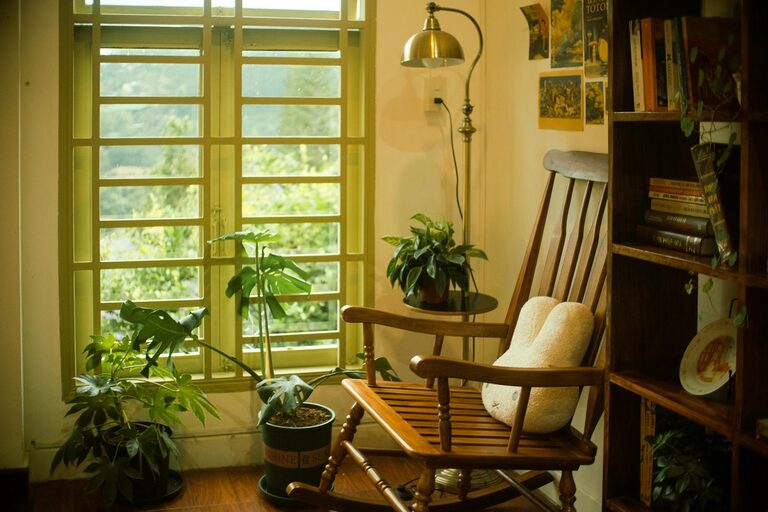
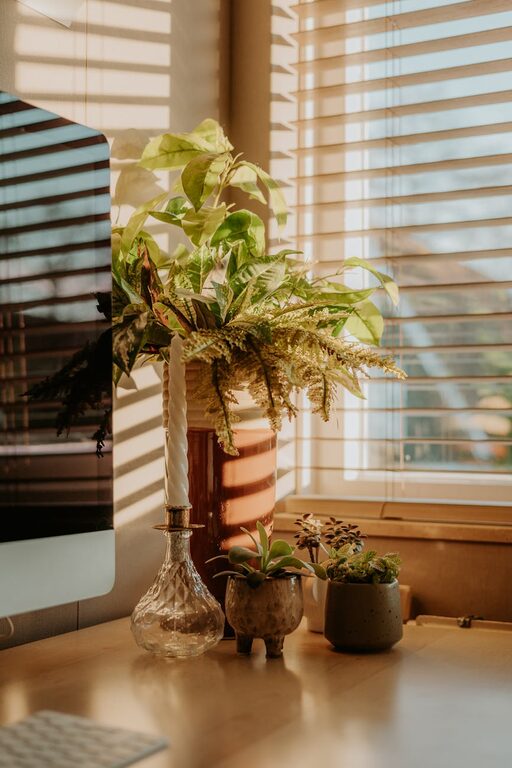
Natural light can boost mood and energy. Position your desk near a window if possible, but avoid glare on your screen by using blinds or curtains.
Furniture and Ergonomics
Invest in a Comfortable Chair
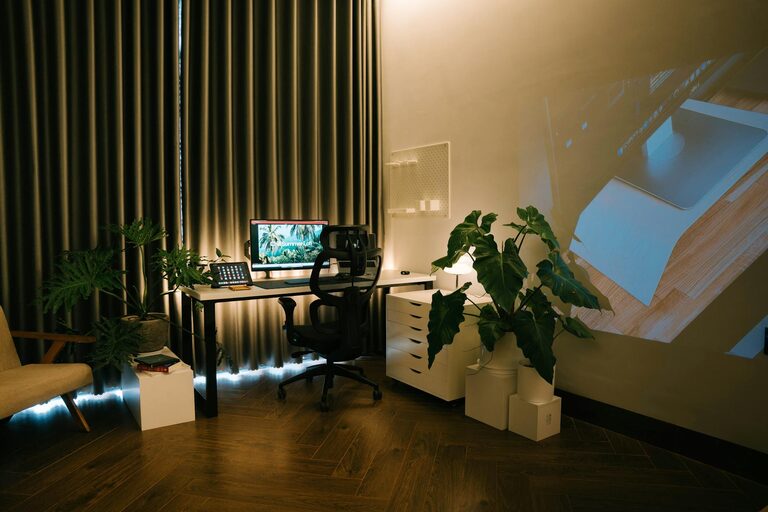
An ergonomic chair supports your posture and helps prevent back and neck pain. Choose one with adjustable height and good lumbar support.
Desk Choices
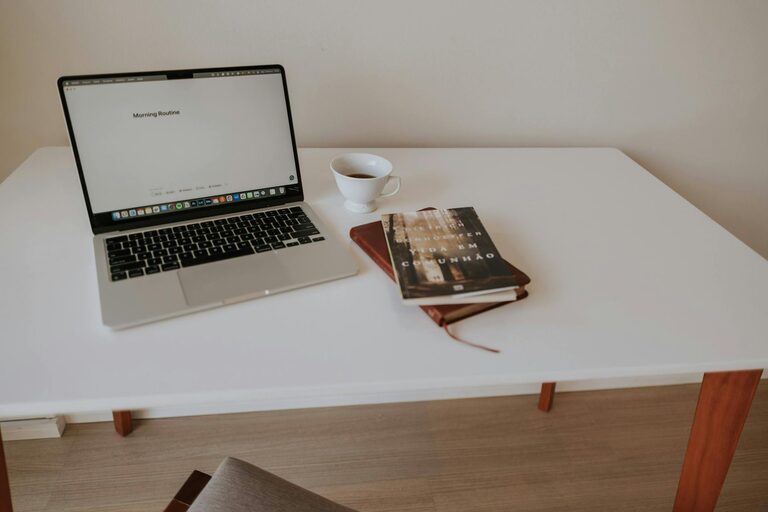
Your desk should be sturdy and at the right height. Standing desks or adjustable desks are great options to vary your posture during the day.
Organise Your Workspace
Keep essentials within reach to minimise distractions. Use drawer organisers, shelves, or desk trays to reduce clutter.
Improve Lighting
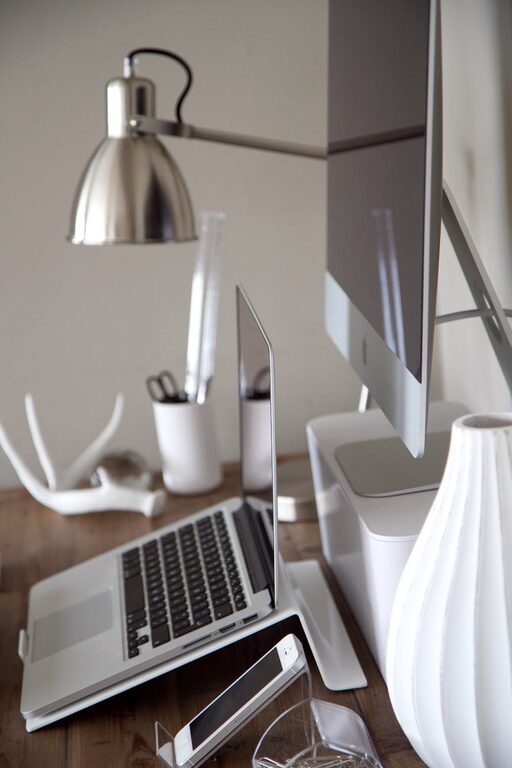
In addition to natural light, good artificial lighting is important, especially for late work hours. Use a desk lamp with adjustable brightness and avoid harsh overhead lighting that can cause eye strain.
Personalise Your Space
Add Greenery
Indoor plants improve air quality and create a calming atmosphere. Choose easy-care plants like spider plants, pothos, or succulents.
Decorate Tastefully
Incorporate artwork, photos or colours that inspire you but don’t overwhelm the space.
Manage Noise and Distractions
If your home is noisy, use soft furnishings like rugs and curtains to absorb sound. Set boundaries with family or housemates during work hours to minimise interruptions.
Organise Digital Tools
Keep your computer desktop tidy and use organisational apps or calendars to schedule tasks. Digital clutter can be as distracting as physical clutter.
Establish a Routine
Having a set routine signals your brain when it’s time to work and when to relax. Stick to regular hours and take short breaks to stretch or rest your eyes.
Prioritise Air Quality and Temperature
Good ventilation keeps the air fresh. If possible, open windows regularly. Maintain a comfortable room temperature to avoid feeling too hot or cold.
Keep Hydrated and Nourished
Have water and healthy snacks close by to maintain energy levels without frequent trips to the kitchen.
Encourage Movement
Incorporate short exercise or stretching breaks into your routine. Moving around helps reduce stiffness and improves focus.
Summary
A relaxing and productive home office is achievable with thoughtful planning. Focus on location, comfort, lighting, personal touches, and routines. These elements work together to create a space where you can concentrate effectively without feeling overwhelmed. Small adjustments can lead to big improvements in your work-from-home life.
By taking the time to make your home office work for you, productivity will rise and stress will fall — making your days more enjoyable and successful.