







Creating a productive home office space is essential for anyone working remotely or running a business from home. A well-designed workspace can improve focus, increase efficiency, and help separate work time from relaxation. Whether you have a dedicated room or a small corner, there are simple strategies you can use to make your home office both comfortable and functional.
Choose the Right Location
The foundation of a productive home office is finding the right spot. Ideally, select an area that is quiet and free from distractions like noisy appliances, traffic, or household activity. If possible, choose a space with natural light, which can boost mood and reduce eye strain.
Tips for finding the right spot:
– Use a spare room, guest bedroom, or a quiet corner of the lounge.
– Avoid using your bedroom if it makes it harder to relax at the end of the day.
– Consider noise levels throughout the day and try to anticipate interruptions.
Invest in Ergonomic Furniture
Spending hours at a desk makes comfort and ergonomics vitally important. Investing in the right furniture can reduce physical strain and promote better posture, which is key to long-term productivity and health.
Essential furniture items:
– Desk: Choose a desk with enough surface area for your computer, notes, and any tools you regularly use.
– Chair: A comfortable office chair with adjustable height, lumbar support, and good cushioning helps prevent back pain.
– Keyboard and mouse: Ergonomic models reduce wrist strain, especially if you type a lot.
Adjust your chair and desk height so your elbows are level with your desk and feet rest flat on the floor or a footrest.
Declutter and Organise Your Space
A cluttered desk and disorganised office can distract you and create stress. Keeping your workspace tidy helps maintain focus and makes it easier to find what you need.
Organising tips:
– Use storage solutions, such as shelves, filing cabinets, or desk organisers, to keep paperwork and supplies in order.
– Regularly clear your desk of items that are not needed daily.
– Consider cable management tools to prevent wires from tangling and cluttering your desk.
– Create zones for different tasks, such as a ‘work zone’ for your computer and a ‘planning zone’ for notebooks and calendars.
Optimise Lighting
Good lighting is crucial when working from home. Poor lighting can cause headaches and fatigue, while the right lighting helps you stay alert and focused.
How to improve lighting:
– Use natural light wherever possible, positioning your desk near a window.
– Supplement with adjustable desk lamps that provide focused light without glare.
– Avoid overhead lights that create shadows on your screen.
– Consider using daylight bulbs that mimic natural light for a more energising atmosphere.
Minimise Distractions
Working from home presents unique distractions — pets, family members, errands, or the lure of the television. Creating boundaries helps maintain a professional mindset.
Ways to reduce distractions:
– Set clear working hours and communicate them with your household.
– Use noise-cancelling headphones or ambient background music to block out noise.
– Turn off unnecessary notifications on your phone or computer during work time.
– Keep personal tasks and entertainment away from your workspace.
Personalise Your Environment
Adding a few personal touches can make your home office more inviting and motivating. The goal is to create a space where you feel comfortable and inspired, not overwhelmed.
Ideas for personalisation:
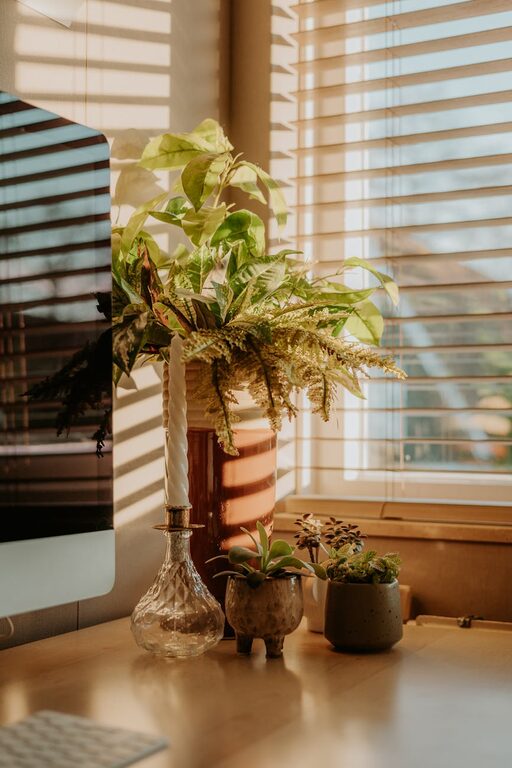
– Add plants to improve air quality and visual appeal.
– Hang artwork or motivational quotes that encourage positivity.
– Use colours that suit your mood—calming blues or energetic yellows, depending on what helps your productivity.
– Keep a water bottle or healthy snacks nearby to stay refreshed.
Use Technology Wisely
Technology is central to most home working situations, but it can either help or hinder your productivity.
Consider these technology tips:
– Invest in a reliable, fast internet connection to avoid disruptions.
– Use dual monitors if your work involves multitasking or working with large documents.
– Leverage apps and tools that help with time management, task organisation, and communication.
– Ensure your devices are ergonomically positioned with screens at eye level to reduce neck strain.
Maintain a Healthy Routine
A productive home office setup also depends on your habits throughout the day. Setting a routine helps reinforce work-life balance.
Healthy routine habits:
– Take regular breaks using techniques like the Pomodoro method (25 minutes work, 5 minutes break).
– Stand up, stretch, or move around at regular intervals to avoid stiffness and encourage circulation.
– Set a designated finish time to ‘clock out’ and avoid overworking.
– Schedule time for exercise and outdoor activities to refresh your mind.
Final Thoughts
Designing a productive home office is a personalised process that combines comfort, organisation, and intentional choices. By selecting the right location, investing in ergonomic furniture, keeping clutter at bay, and establishing healthy habits, you can create a workspace that supports your best work every day. Remember, small changes can make a big difference, so start by implementing a few of these tips and adjust your space as you learn what works best for you.